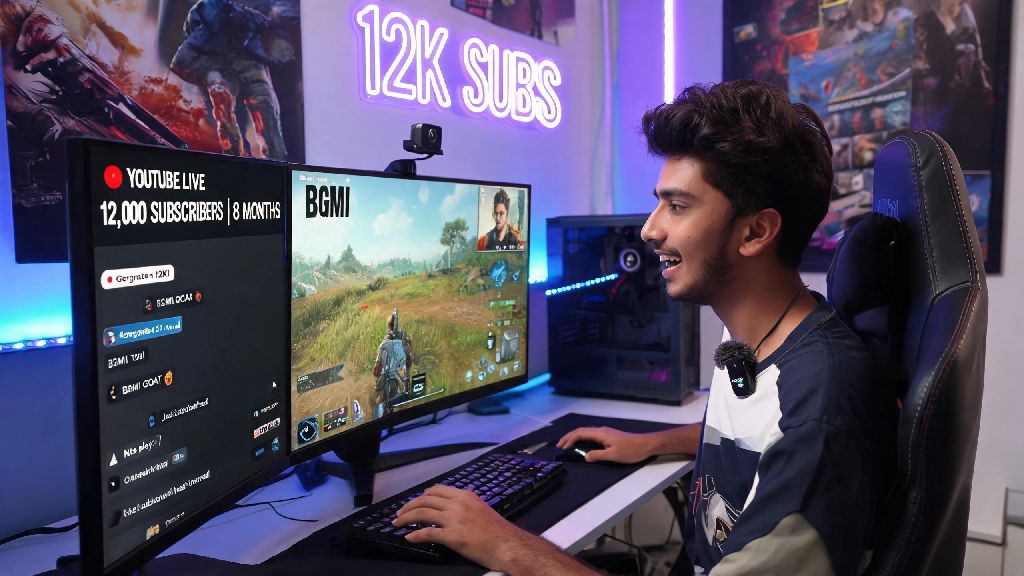
If you’re a BGMI fan in 2026, you’ve probably seen just how many regular players are building loyal audiences and even making side income by streaming their matches on YouTube. I started streaming BGMI last year and grew my channel from 0 to 12,000 subscribers in 8 months, so I know how overwhelming the first setup can feel if you’ve never gone live before. If you’re here to figure out how to live stream BGMI on YouTube without wasting hours on outdated, broken tutorials, you’re in the right place. We’ll cover every actionable step from pre-stream prep to post-stream tweaks that actually get viewers to stick around.
Pre-Stream Setup You Need to Live Stream BGMI on YouTube in 2026
You don’t need thousands of dollars in fancy gear to start streaming, especially if you’re just testing the waters. I used my mid-range Android phone and a $15 lapel mic for my first 3 months of streaming, and it worked perfectly well for building my initial audience. Before you even think about going live, make sure you have all of these basics checked off first:
For mobile-only streamers, you don’t need a capture card at all, but if you want to add custom overlays, subscriber alerts, or switch between scenes easily, streaming via PC will give you way more control. Don’t forget to link your YouTube account to your streaming app first, and double check that you’ve set your stream to public if you want new viewers to find it, not unlisted or private. Also, make sure you’ve turned off any pop-up notifications on your phone before going live – nothing kills a clutch moment faster than a random text message popping up on your stream for everyone to see.
Optimal BGMI 2026 Settings for High-Quality Streams
A lot of new streamers make the mistake of cranking their in-game graphics to the maximum and their stream resolution to 4K, even if their device or internet can’t handle it. That leads to dropped frames, blurry footage, and viewers bouncing fast, no matter how good your gameplay is. First, for in-game BGMI settings: set your frame rate to 60 FPS if your device supports it – viewers will pick a smooth 1080p 60 FPS stream over a choppy 4K 30 FPS stream every single time. Turn off unnecessary in-game effects like motion blur and bloom, they make your stream look washed out and use extra processing power that could be going to your stream.
For stream settings, 1080p 60 FPS with a 6000 kbps bitrate is the sweet spot for 2026 YouTube gaming streams. If your internet is slower, drop to 720p 60 FPS with 4000 kbps instead of lowering the frame rate. If you’re not sure what bitrate works best for your connection, you can reference YouTube's official stream bitrate guide for the most up-to-date recommendations. Oh, and if you’re streaming with a facecam, position it in the corner of your screen so it doesn’t cover your minimap or ammo count – your viewers want to see your reaction, not miss enemy locations because your face is blocking the screen.
Tips to Grow Your BGMI Stream Audience in 2026
Setting up your stream is the easy part, getting people to watch and come back is what trips up most new streamers. First, stick to a consistent stream schedule – if you go live every Tuesday, Thursday, and Saturday at 7 PM local time, your regular viewers will know exactly when to tune in, and YouTube’s algorithm will also prioritize your stream for people who watch BGMI content during those hours. I used to stream randomly whenever I had free time, and my average viewer count stayed stuck at 2-3 people for months until I set a fixed schedule.
Add relevant keywords and tags to your stream title and description before going live: include terms like “BGMI ranked grind 2026” or “BGMI solo vs squad tips” so people searching for those terms can find your stream easily. Don’t use clickbait titles, though – if you say you’re doing a 100 kill challenge and you only get 12 kills in your first match, viewers will leave immediately and won’t come back. Interact with every viewer who comments in your chat, even if it’s just a simple hello. Once I started answering questions, reacting to chat suggestions, and even doing viewer custom matches every weekend, my average viewer count jumped to 40+ in less than a month. Also, save short clips of your best moments (clutches, funny fails, epic wins) and post them as YouTube Shorts right after your stream ends – those clips will drive new viewers to your next live stream way faster than regular long-form uploads.
Common Streaming Mistakes to Avoid for BGMI Creators in 2026
Even if you have the best setup and great gameplay, small mistakes can stop your stream from growing before you even get traction. First, don’t stream copyrighted music in the background – YouTube’s 2026 copyright detection system is way more sensitive than it used to be, and you could get a strike or have your stream taken down mid-broadcast. Use royalty-free gaming music libraries instead, most of them have free options that are perfect for BGMI streams and won’t put your channel at risk.
Another common mistake is not testing your stream before going live. Always do a 5-minute private test stream first to check that your audio is working, your game is capturing correctly, and there’s no lag. I can’t tell you how many times I’ve seen streamers go live only to realize their mic is muted for the first 20 minutes, and half their initial viewers leave before they fix it. Also, don’t beg for likes and subs every two minutes. It’s okay to mention it once at the start and once at the end of your stream, but if you’re asking for subs every time you get a kill, viewers will find it annoying and tune out. Finally, make sure you’re following YouTube’s community guidelines and BGMI’s 2026 content policies – don’t use hacks, don’t make toxic comments about other players, and don’t share personal information on stream. Getting banned from either platform will kill your streaming career before it even starts.
Learning how to live stream BGMI on YouTube in 2026 doesn’t have to be complicated, even if you’re a total beginner. Start with the basic setup we covered, test your settings first, focus on interacting with your viewers, and don’t get discouraged if you only have a few viewers for your first few streams. Most successful BGMI streamers took months to build their audience, so consistency is way more important than having the most expensive gear. Give it a try, adjust your strategy based on what works for you, and you might be surprised how fast your channel grows.