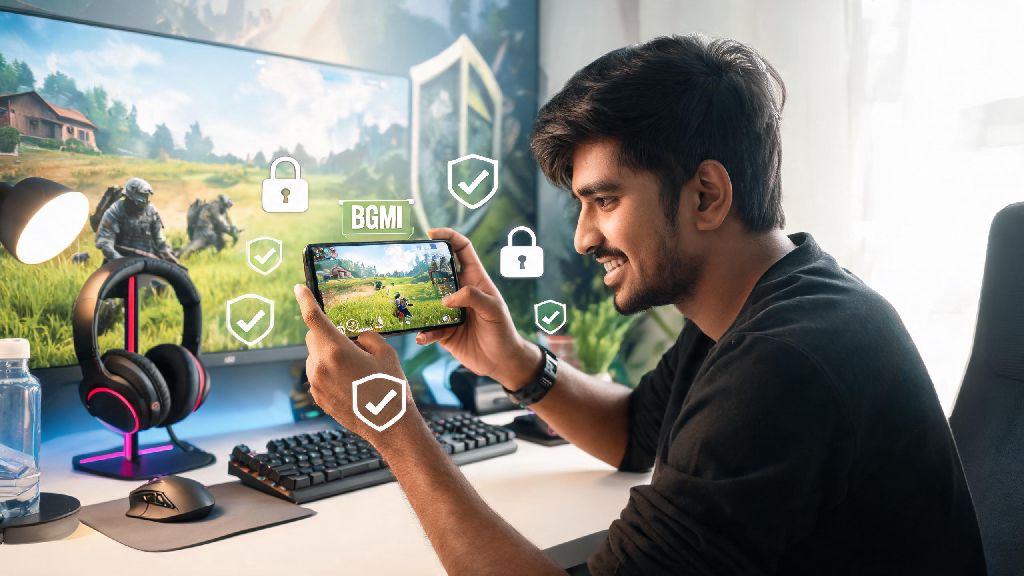
If you're one of the millions of mobile battle royale fans who spend hours queuing for matches in BGMI, you've probably asked yourself at least once: is BGMI safe? With frequent discussions around data privacy, in-game harassment, and even addiction concerns popping up across Indian gaming communities, it's normal to want clarity before you invest more time (or money) into the title. I've spent the past three years playing BGMI regularly, testing its safety features, and following official announcements from Krafton, so I've put together all the facts you need to make an informed choice for yourself or your kid who plays the game. You don't have to dig through hundreds of forum threads or conflicting social media posts to get clear answers.
How BGMI protects user data and account safety
Krafton, the developer of BGMI, has rolled out multiple data protection measures to align with India's DPDP Act requirements after the game's relaunch in the country. All user data, including login details, payment information, and in-game chat logs, is stored on encrypted servers based in India, so it doesn't get shared with unapproved third parties without explicit user consent. You'll also get instant alerts if someone tries to log into your account from a new device, and two-factor authentication is mandatory for all accounts linked to phone numbers or social media profiles. The game also doesn't ask for unnecessary permissions, like access to your contact list or location, unless you choose to turn on location-based matching for nearby players. You can review and adjust all your data permission settings directly in the game's account settings tab in under two minutes, so you never have to share more information than you're comfortable with.
Is BGMI safe from in-game harassment and toxic behavior?
This is one of the most common questions parents and new players ask, and the answer depends a lot on how you adjust your in-game settings, but the base safety tools are fairly robust. Krafton added a real-time chat filter in 2023 that automatically blocks slurs, hate speech, and personal threats in both text and voice chat, and reports of toxic behavior are reviewed within 24 hours by a dedicated moderation team. Players who get reported multiple times for harassment get temporary or permanent bans, depending on the severity of their actions. That said, no moderation system is perfect, and you might still run into toxic teammates occasionally, especially in random lobbies. You can mute both text and voice chat for individual players or entire lobbies with one tap if you run into someone who's ruining your experience, and you don't have to engage with them at all. For younger players, the game also has a dedicated child safety mode that disables all chat functions by default and restricts access to in-game purchases.
Common risks to watch out for when playing BGMI
Even with all the built-in safety features, there are a few risks that players often overlook, especially if they're new to the game and still wondering is BGMI safe for long-term play. Most of these are avoidable if you know what to look for, but they can lead to account loss, financial loss, or stress if you aren't careful. The most frequent risks reported by players include:
None of these risks are unique to BGMI, of course, they're common across most free-to-play mobile games with in-game purchase features. The key is to be aware of them so you can avoid falling for common traps that other players have run into.
Easy steps to make your BGMI experience safer
Many casual players who ask is BGMI safe don't realize that most risks are completely avoidable with a few quick setting adjustments. You don't have to be a tech expert to make sure your time playing BGMI is as safe as possible. Most of these steps take less than five minutes to set up, and they'll eliminate 99% of the common risks we mentioned earlier. First, turn on two-factor authentication for your account if you haven't already, and link it to your personal phone number instead of a shared one, so no one else can access your account. Set up purchase limits in your Google Play or Apple App Store account before you add any payment method, so you can't accidentally spend more than you budget for in-game items each month. If you're playing with random teammates, turn off voice chat by default unless you're comfortable talking to strangers, never accept friend requests from accounts you don't recognize, and don't share any personal information like your full name, address, or school with people you meet in lobbies. For parents, the child safety mode is a must-use for any player under 16, as it disables chat and purchases entirely without affecting core gameplay. You can also set screen time limits directly on your phone to make sure you don't spend more time playing than you intend to.
At the end of the day, is BGMI safe for most players? The answer is yes, as long as you take basic precautions and use the built-in safety tools the game provides. It's no more risky than any other popular online multiplayer game, and Krafton has put in a lot of work to align the title with Indian safety and privacy regulations to protect players. You don't have to give up your favorite battle royale game to stay safe, you just have to be intentional about your settings and who you interact with while playing. If you take the five minutes to adjust your privacy and safety settings before your next match, you can enjoy every game without worrying about avoidable risks.