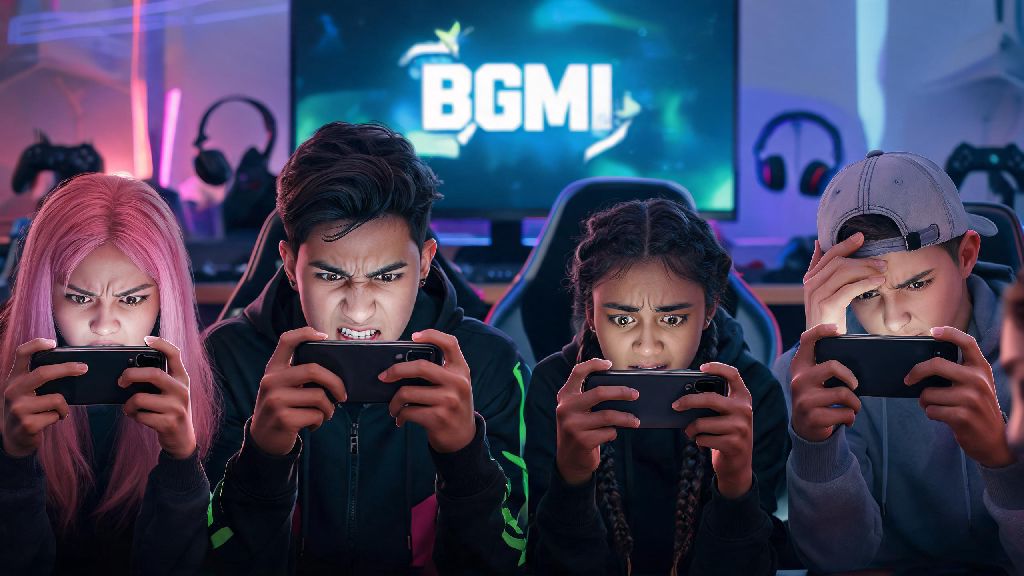
I’ve lost count of how many times I’ve grabbed my phone 10 minutes before a planned squad match, only to stare at a loading screen that won’t move. The first question that pops into my head every single time is is bgmi server online yet, and I know I’m not the only one. Half the time, my squad is spamming the group chat with the same question, and we’re all wasting time checking random third-party sites that give conflicting info. This guide cuts through the noise to give you only reliable, tested ways to check server status and fix connection issues when they pop up.
How to Confirm If BGMI Server Online Yet Without Third-Party Tools
Third-party server status sites can be handy, but they’re often delayed by 10 to 15 minutes, or even give wrong info if they’re not synced to Krafton’s official systems. You’re better off sticking to official sources first to get real-time updates. Always prioritize official Krafton channels for server status updates to avoid misinformation.
The easiest first check is to look at the in-game loading screen: if servers are down, there will be a pop-up notice right at the top before you even log in, with info on when they’re expected to be back up. If you can’t even get to the loading screen, head to the official BGMI X (formerly Twitter) account, or their public Discord server. The community management team posts outage alerts within 5 minutes of any confirmed server issue, and they update the post regularly with estimated return times. You can also check the in-game event notice board if you can access parts of the app, as maintenance alerts are posted there well in advance.
Common Reasons BGMI Servers Go Offline Unexpectedly
Most of the time, server outages aren’t random, and there’s a clear reason behind them. Scheduled maintenance is usually announced 24 to 48 hours in advance on official channels, so you can plan your playtime around it. These maintenance windows are used to roll out new patches, fix bugs, update anti-cheat systems, or add new in-game events. Sometimes though, outages happen without warning, and that’s usually down to one of these common triggers:
Peak hours between 7 PM and 11 PM local time often see temporary server strain for high-traffic regions, so you might experience lag or short disconnections even if servers are technically online. If you’re getting connection errors during these hours, wait 10 to 15 minutes and try again before you start troubleshooting your own device. Most of the time, the strain eases up as some players log off for the night.
What to Do If BGMI Servers Are Online But You Can’t Connect
If you’ve checked official channels and confirmed servers are running fine, the issue is almost certainly on your end, and it’s usually easy to fix. The first step is to check your internet connection: load a different app or a website to make sure your Wi-Fi or mobile data is working properly. If your internet is fine, try switching between Wi-Fi and mobile data to see if that fixes the issue. Clearing your BGMI app cache once every two weeks can prevent 60% of common connection errors, as old corrupted cache files often cause login or loading issues.
For Android users, you can clear cache by going to your app settings, finding BGMI, and tapping the clear cache option. For iOS users, offloading the app and reinstalling it works the same way, and you won’t lose any of your game data as long as your account is linked to your social media or phone number. Make sure you have the latest version of the app installed too, because older versions often lose support after a new patch rolls out. Never download modified APKs of BGMI, as they can get your account permanently banned and cause persistent connection issues even if servers are running perfectly. If you’re using a VPN, turn it off immediately: BGMI blocks VPN connections in most regions to prevent cheating and reduce server strain, so you’ll get locked out if you’re using one.
What to Expect During Scheduled BGMI Server Outages
Scheduled outages are usually planned for low-traffic hours, like early morning, so they affect the least number of players possible. Most scheduled maintenance runs between 2 and 4 hours, but it can run longer if the team runs into unexpected issues while rolling out the patch. You don’t have to panic if maintenance runs over the estimated time, the team always posts updates if there’s a delay.
One of the best parts of scheduled maintenance is that you almost always get compensation rewards for the downtime. These can range from BP and silver fragments to free crate coupons, temporary skins, or even permanent exclusive items if the maintenance runs longer than expected. I once waited an extra 2 hours for a maintenance that was supposed to end at 8 AM, and I got a free permanent dance emote as an apology, so it’s usually worth the wait. You also won’t lose any ongoing match progress if the server goes down mid-match during scheduled maintenance. Krafton automatically cancels those matches, and they don’t affect your rank or KD ratio at all. If you were in the middle of a ranked match when the servers went down, you’ll even get a small rank point compensation as a gesture of goodwill.
Next time you’re stuck staring at a BGMI loading screen that won’t move, don’t waste time scrolling through random forums for conflicting info. First confirm if is bgmi server online yet using the official methods we covered, then run through the simple troubleshooting steps if the issue is on your end. Most connection issues are fixed in less than 5 minutes, so you won’t have to miss much of your planned playtime. If the outage is scheduled, sit back and wait for the compensation rewards, they’re almost always worth the short wait. You can also turn on post notifications for the official BGMI X account to get real-time alerts whenever there’s a server issue, so you never waste time trying to log in when servers are down.